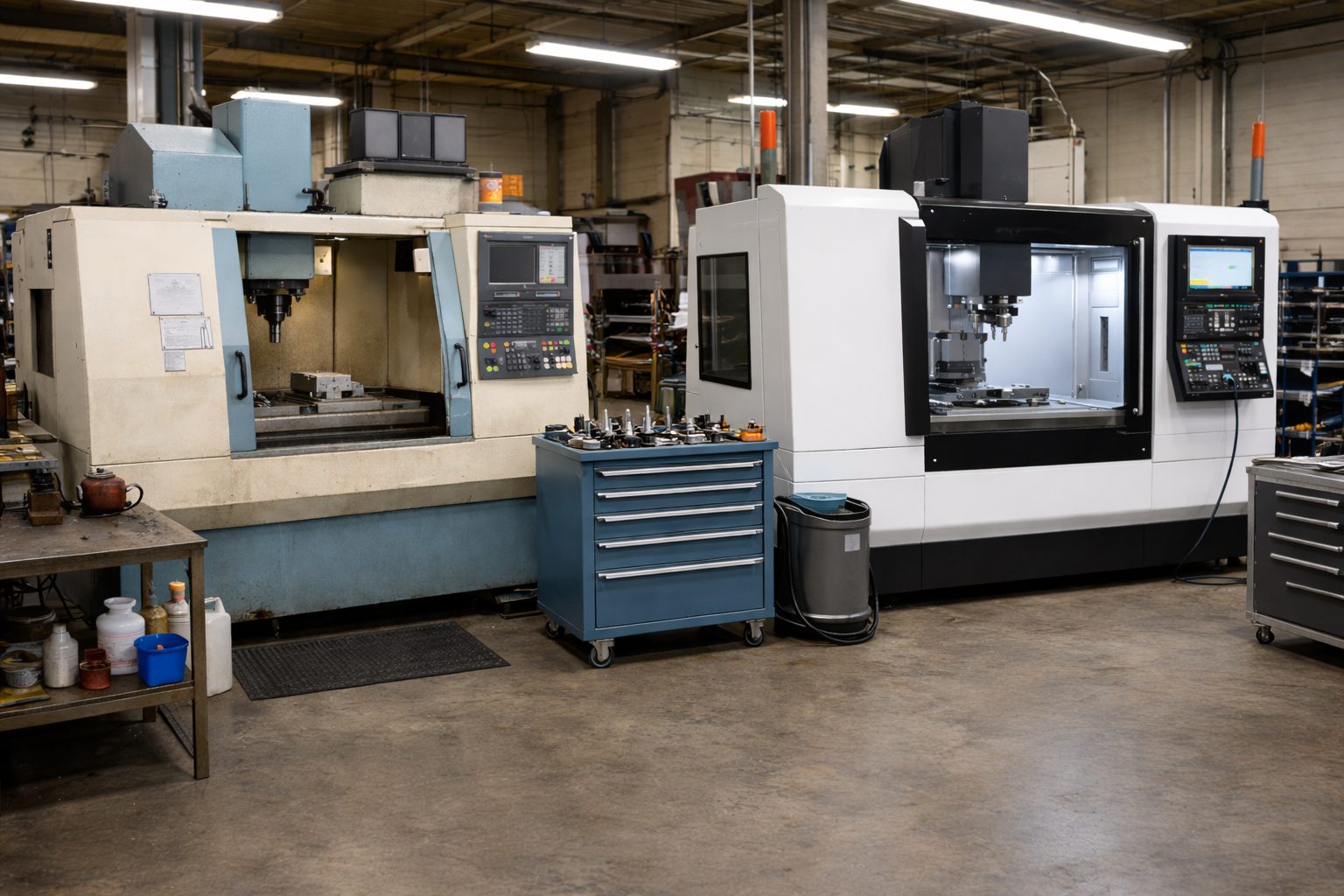
 Many shops still rely on CNC programs that were written years, or even decades ago. These legacy CNC programs may have run successfully on older equipment, but problems can arise when those same programs are moved to newer machines.
Differences in machine kinematics, tool setups, travel limits, or work offsets can introduce unexpected issues. Running an old program on a modern machine without verification can lead to collisions, over-travel errors, or damaged tooling.
With CIMCO Machine Simulation, programmers can safely validate legacy CNC programs before running them on newer equipment.
The Challenge of Legacy CNC Programs
Over time, shops upgrade machines, controls, and tooling. However, many existing part programs were originally created for machines with very different configurations.
Common issues when running legacy programs include:
- Different machine axis limits
- Changes in tool holder or tool length
- Updated fixture setups
- Different machine kinematics (especially for multi-axis machines)
- Controller differences that affect machine motion
Even if the code itself hasn’t changed, the machine environment has, which can create unexpected risks.
Instead of testing these programs directly on the machine, it’s much safer to verify them in a simulation environment first.
Simulating Legacy Programs in a Virtual Machine
CIMCO Machine Simulation allows users to run NC programs inside a digital twin of the CNC machine.
The simulation uses detailed machine models that replicate:
- Machine axis motion
- Spindle and head movement
- Tool assemblies
- Machine limits and kinematics
When an older NC program is loaded into CIMCO Edit, it can be simulated on the target machine to verify how the program will behave before running it on the shop floor.
This provides a clear visual representation of the machine movements and toolpaths.
Detecting Potential Collisions and Errors
One of the most valuable features when validating legacy programs is automatic collision detection.
During simulation, CIMCO continuously checks for interference between machine components, tools, fixtures, and the workpiece. If a problem occurs, the simulation immediately flags it.
Potential issues that can be identified include:
- Tool collisions with the workpiece or fixture
- Tool holder interference
- Machine head or spindle collisions
- Axis over-travel or limit violations
The simulation can pause automatically when an error occurs, allowing users to investigate the exact cause.
Identifying the Problem in the NC Code
When CIMCO Machine Simulation detects an issue, it records the event in a Simulation Report.
The report lists all detected errors and links them directly to the specific NC code line responsible for the problem. This allows programmers to quickly locate and correct the issue.
Once the program is updated, the simulation can be run again to confirm that the problem has been resolved.
A Safer Way to Modernize Your CNC Workflow
Using machine simulation to validate legacy programs provides several advantages for CNC shops.
- Reduce risk when migrating programs. Legacy programs can be verified safely before being used on newer machines.
- Prevent machine damage. Potential collisions and over-travel errors can be identified before a program ever reaches the control.
- Improve confidence in older programs. Even programs that have been running for years can be verified against current machine configurations.
- Save time on the shop floor. Instead of trial runs on production machines, programs can be validated offline.
By incorporating simulation into the programming workflow, shops can safely reuse valuable legacy programs while ensuring compatibility with modern equipment.
Final Thoughts
Legacy CNC programs are often a valuable asset, but running them on newer machines without verification can introduce unnecessary risk.
With CIMCO Machine Simulation, programmers can simulate these programs in a complete virtual machine environment, detect potential issues, and make adjustments before the program ever reaches the machine.
This approach helps protect equipment, reduce downtime, and ensure that legacy programs continue to run safely in modern manufacturing environments.
CIMCO Machine Simulation is available as a free 30-day trial. To learn more, check out our CIMCO Machine Simulation product page.
If you’d like to discuss whether it’s a good fit for your operation, contact us and we’ll be happy to walk you through it.
