 This Tech Tip explains how to configure CIMCO MDM Remote Request to identify the correct file and let DNC-Max handle reliable delivery to the CNC machine.
CIMCO MDM’s Remote Request can work two ways.
It can identify the file and deliver it directly, or it can identify the file and hand delivery off to a DNC-Max port. That second option is configured in the Machine field of each Request Directory entry in MDM.
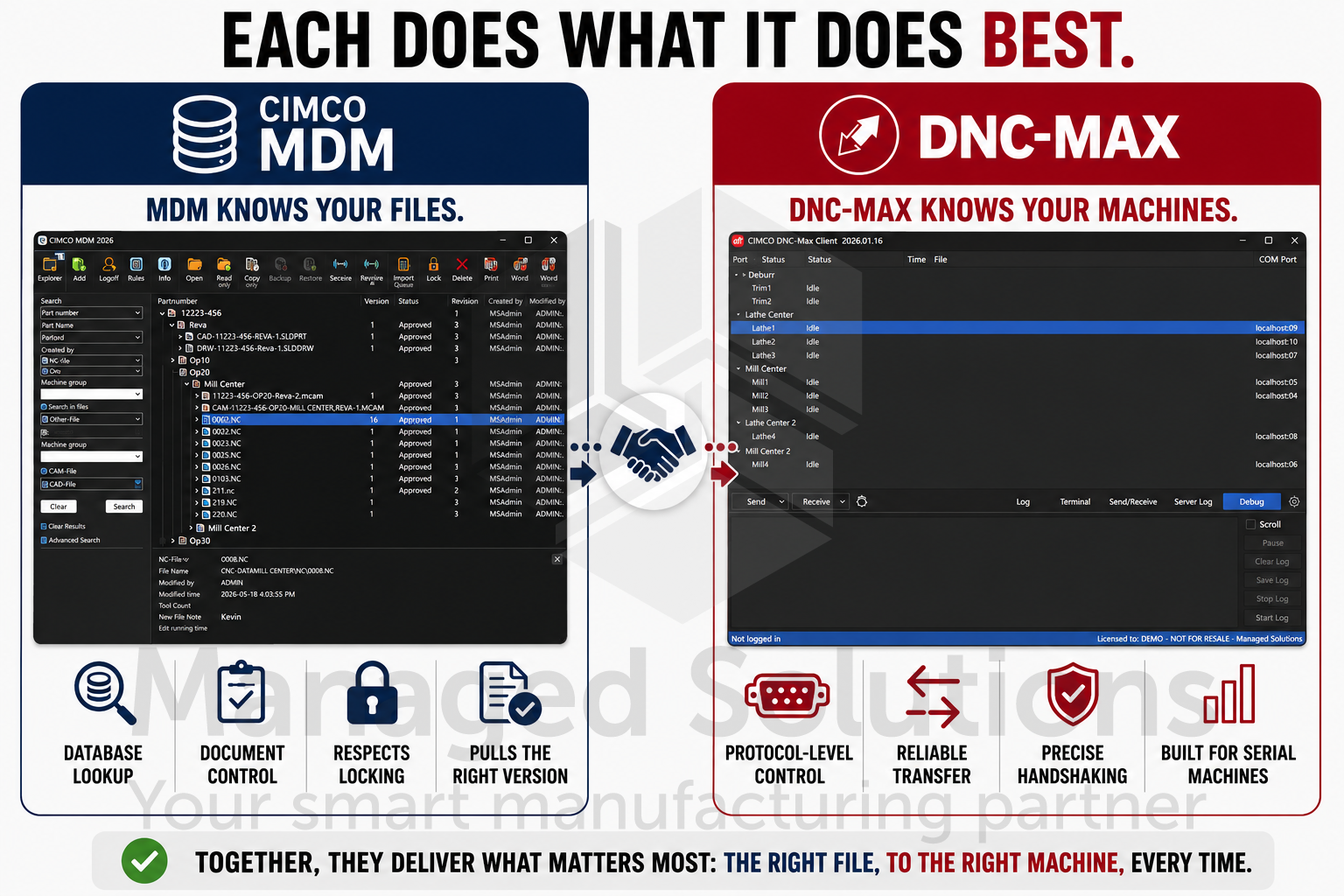
A good reason to use this is that each product does one thing better than the other.
MDM knows your files. It handles the database lookup, checks document control status, respects locking, and pulls the right version.
DNC-Max knows your machines. It manages the protocol-level transfer control that serial machines depend on for precise handshaking. Running them together means you are not choosing between database-aware file management and reliable machine communication. You get both.
If you are running MDM and DNC-Max in the same shop, this is usually the right architecture.
Check out our CIMCO MDM and CIMCO DNC-Max product pages to learn how these tools work together on the shop floor.
If you’d like help configuring your CIMCO software environment, please contact us. We’re happy to help!
